
Name the visible action
Start each shot instruction with the character and one main action. Add the location and the information the viewer must notice. “The fox places the light on the doorstep” is easier to evaluate than a sequence of unrelated movements compressed into one instruction.
If the action contains a new goal, a location change and a reveal, split it into smaller beats. This is a directing recommendation, not a statement about an exact engine limit. The point is to make success observable: you should be able to say whether the intended action happened.
Choose a useful distance
A wide view establishes relationships and geography. A medium view supports interaction. A close view draws attention to a reaction or an object. Choose the distance from the information the scene needs, not because one framing sounds more cinematic.
Keep mobile viewing in mind. A key held at the edge of a very wide frame may disappear on a small display. When a small object drives the story, give it a clearly readable moment. The supplied footage is useful material for observing framing; it is not a controlled comparison of every camera option.
Protect screen direction
If a character moves left to right toward a destination, preserve that relationship across adjacent shots unless the story explains a reversal. Also track where characters look and where important objects sit. Viewers should spend their attention on the story, not reconstructing the room.
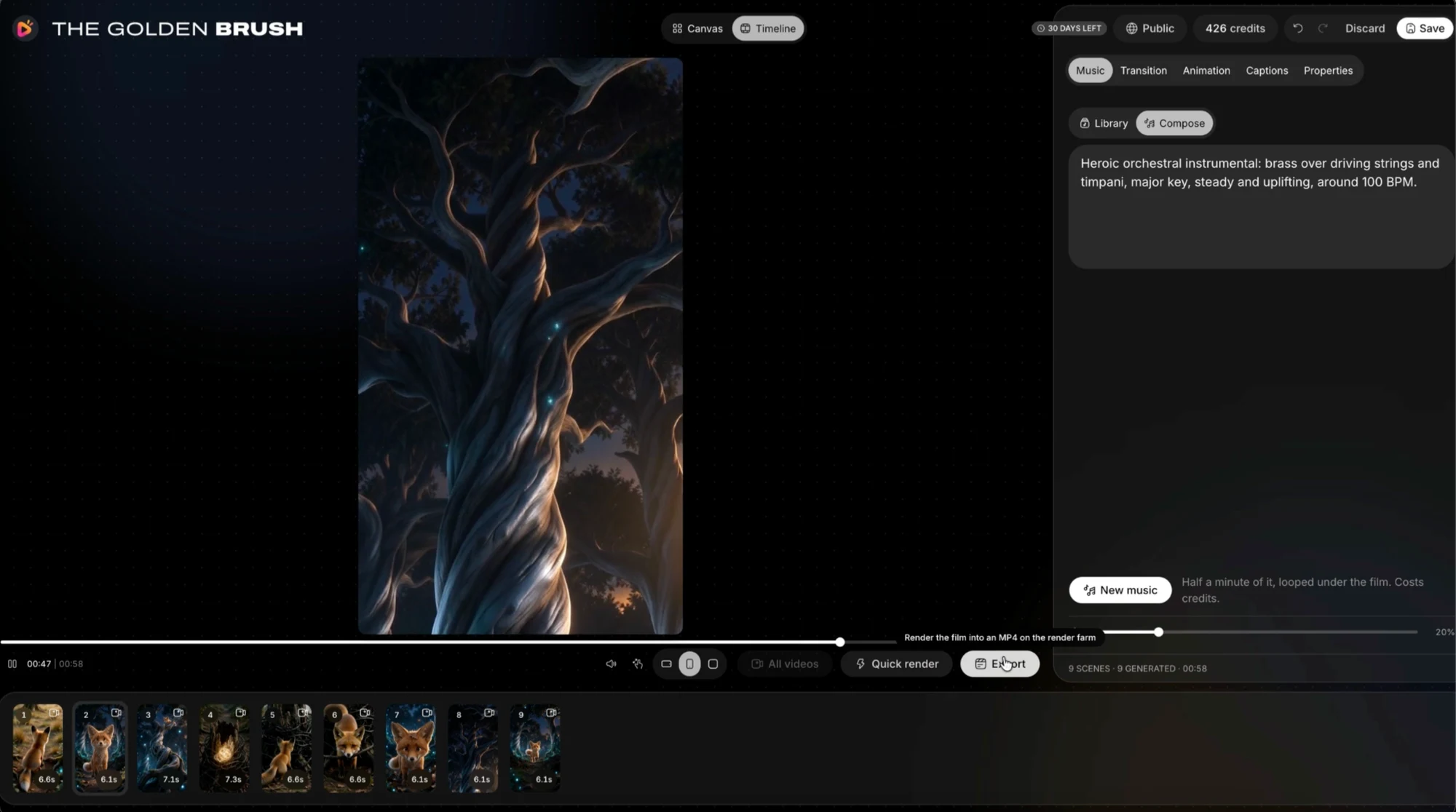
Use a short scene note to record entrance, exit and final positions. A saved character reference helps identity, but it does not automatically settle every spatial decision. Check the opening and closing frames of neighbouring clips together before polishing their transition.
Let motion earn its place
A moving camera can reveal information or follow action. It can also compete with a face, captions and fast background movement. Try a simpler frame when the subject is already moving strongly. Stillness can make a reaction more legible.
Duration should follow the beat. Give the audience time to understand an unfamiliar event, but do not stretch an established image simply to fill a format. RocketToons offers different shot and finishing capabilities across its packages; use the controls actually included in the selected account.
Review before expanding
Make a short sequence and check whether it reads without explanation. Identify a failure as framing, action, identity, timing or transition. That diagnosis gives the next instruction a purpose, whereas “make it better” gives the generator little useful direction.
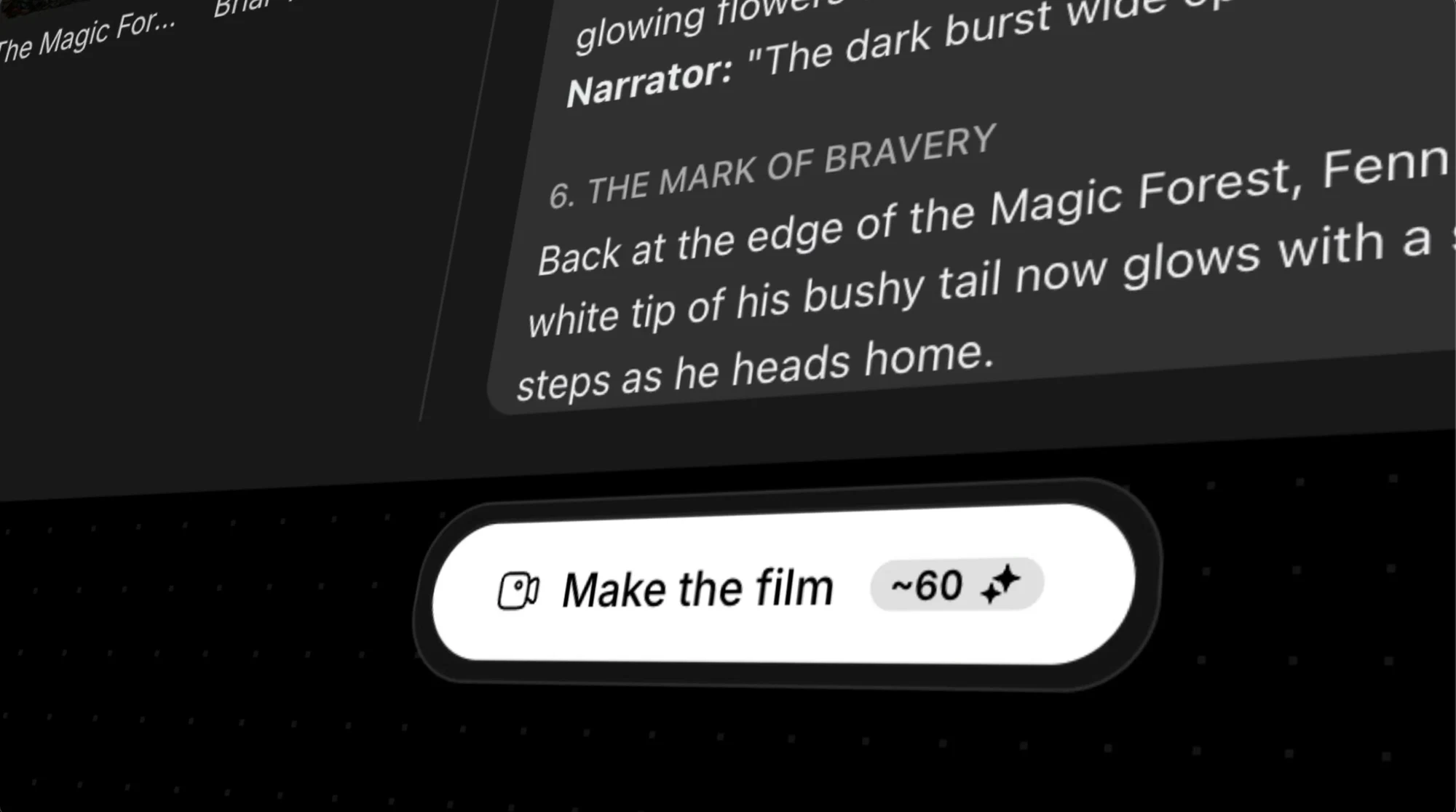
The screenshot of a generation button displays an estimated credit quote for one demonstration state. It is not a universal price for a film. Read the current quote for the chosen action and avoid turning exploratory directing into an assumed fixed-cost promise. Keep approved takes before trying a different angle.
- One main action per shot
- Distance chosen for the information
- Consistent looks and travel direction
- Intentional start and end positions
- An explicit reason for camera movement
Your questions
Does every shot need camera movement?
No. Movement should reveal or follow something useful. A steady shot may communicate a reaction or an important object more clearly.
Is the screenshot’s credit figure a fixed film cost?
No. It is a quote visible in one demonstration state. Current costs depend on the selected operation and settings.
Make the next decision
Direct attention before directing movement. A simple shot with a clear purpose is a stronger foundation than a complicated instruction.
RocketToons Character Consistency
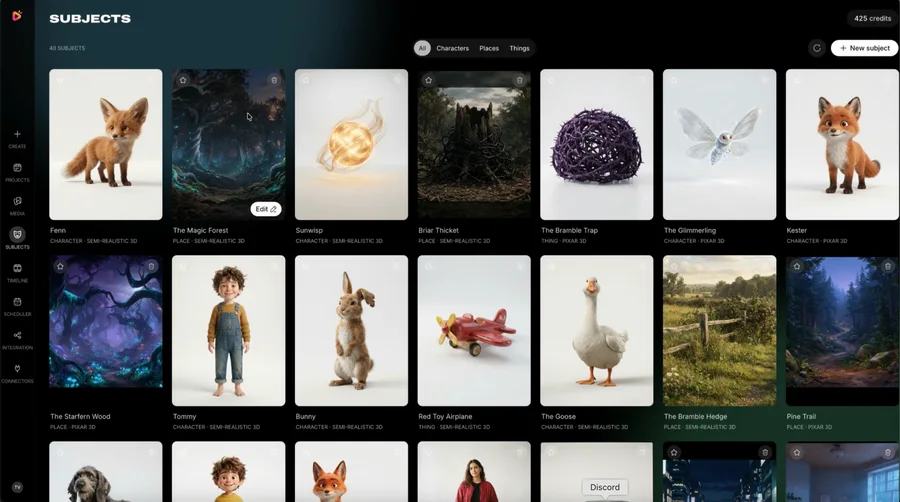
Create a practical character reference for RocketToons: identity, clothing, scale, props and continuity checks across shots and episodes.
RocketToons Director vs Boards
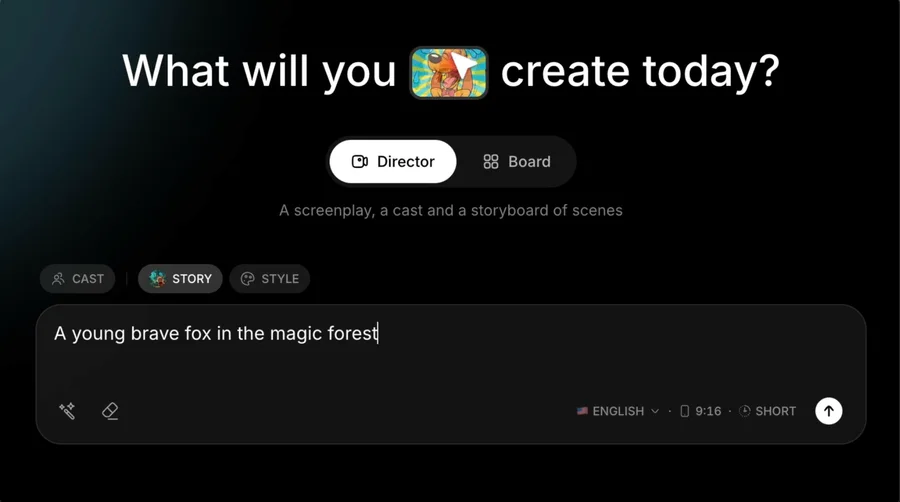
Compare RocketToons story-led Director production with optional Studio Boards for standalone clips, source-image animation and short sequences.
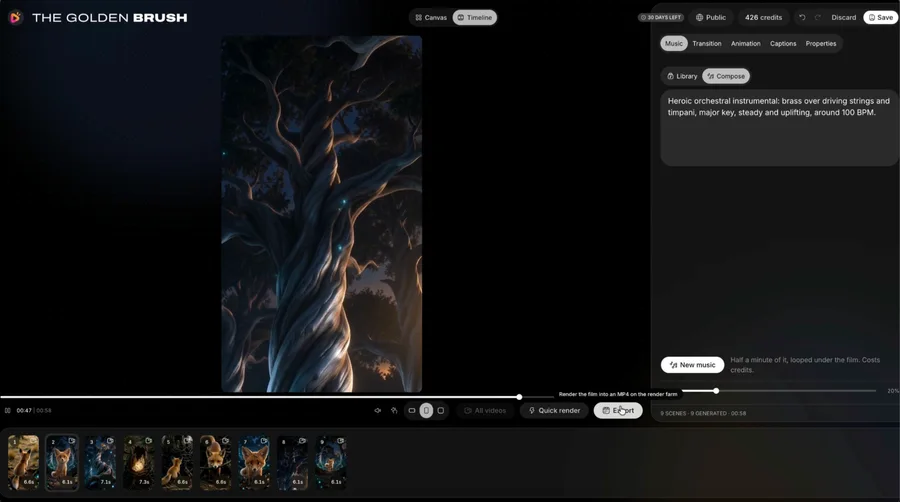
RocketToons Export Guide
Review your RocketToons video before delivery: frame, captions, dialogue, transitions, file playback, naming and local backup.