
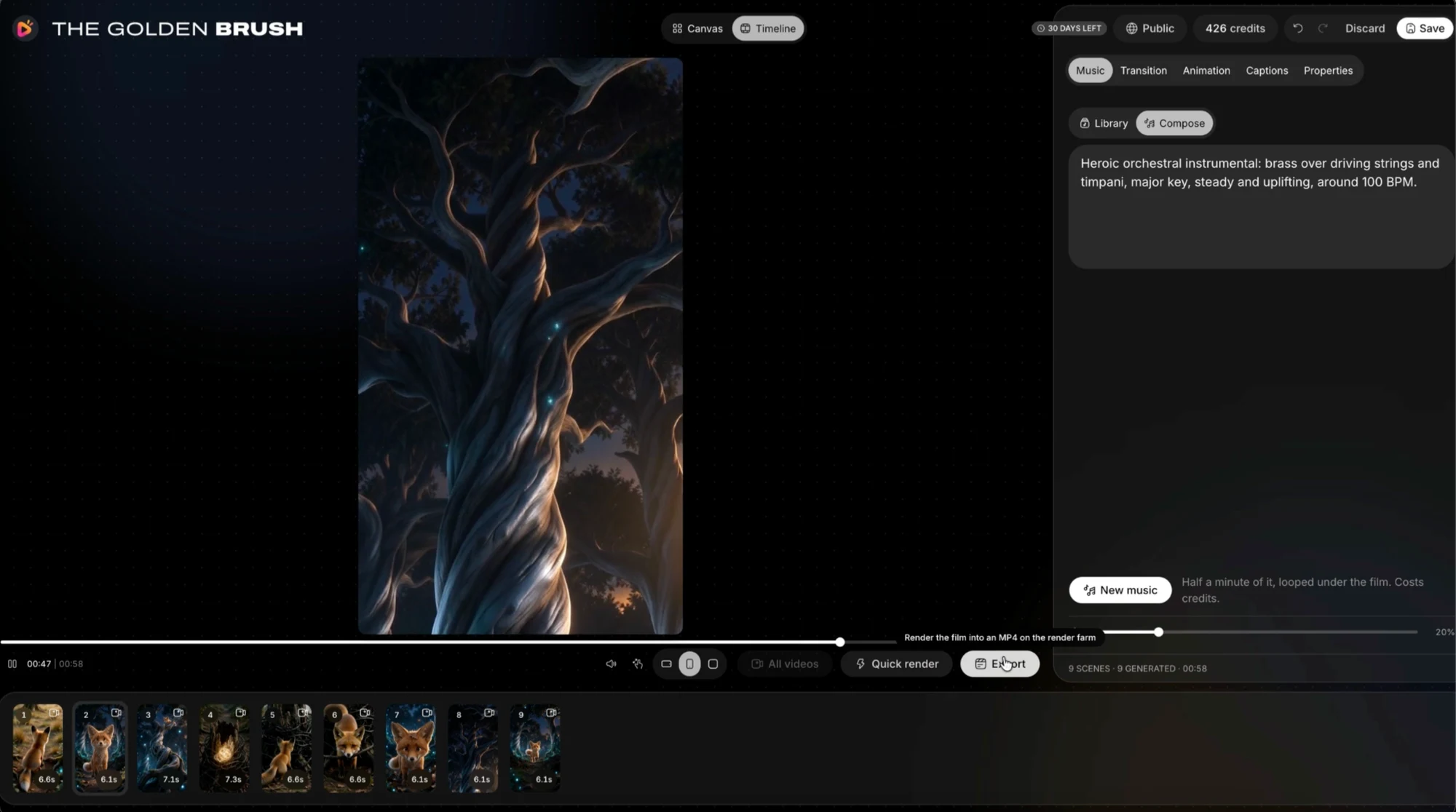
Review the story once
Watch from beginning to end without pausing. Ask whether the opening establishes the situation, the important turn is understandable and the ending resolves it. Write down the few problems a first-time viewer would notice rather than reopening every creative choice.
Then inspect the specific moments on that list. A scene may need a shorter pause, a clearer reaction or one corrected word. Keep the approved draft before making changes, so a final adjustment does not silently replace the version already accepted by a client or collaborator.
Check picture and text
Inspect the final crop, not only the editor canvas. Look for clipped hands, missing props, inconsistent identities and captions crossing essential action. A layout that works in widescreen may need a separate decision in vertical or square output.
Read every caption for spelling, punctuation and timing. Watch without sound to check whether the key message remains understandable. If the film includes small on-screen labels, test their readability at a realistic viewing size rather than judging from a full-screen editing preview.
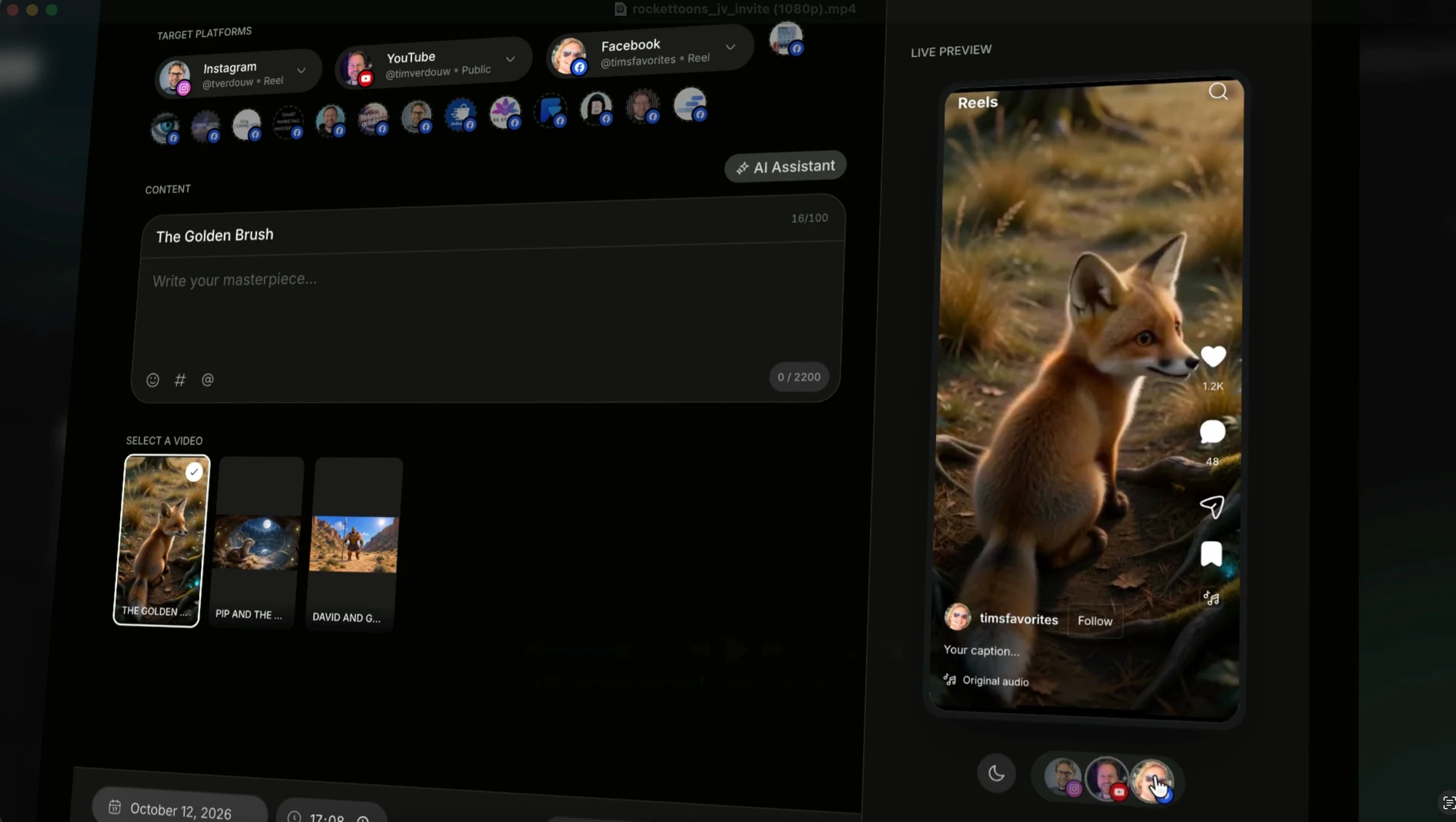
Check the soundtrack
Listen for an abrupt beginning, buried dialogue, unexpected silence and a cut-off ending. Confirm that the chosen version actually contains the intended audio. A file can be visually complete and still be the wrong mix.
Use a comfortable listening level and, where practical, more than one playback setup. Do not compensate for an unclear mix by requiring viewers to turn everything up. If you offer a silent version, label it clearly instead of presenting a non-working sound toggle.
Test the delivered file
Open the downloaded MP4 in a normal player. Check duration, orientation and whether the first and last frames are intentional. Confirm the file is the approved final version, not an earlier test with a similar name.
The official overview advertises HD MP4 delivery without watermarks, while Pro describes additional export controls. Match the promise you make to the account and selected settings. Do not attach an untested resolution or codec claim to a file simply because a package description mentions it.
Keep the handover clear
Name the export with the project, version, format and language where relevant. Deliver the agreed captions, transcript or alternate mix alongside it. Keep a local master and a record of the approved version rather than relying on an assumed permanent cloud storage period.
For a website showcase, use a lightweight poster and load video only when needed. Allow muted playback to introduce the work, then make sound a deliberate choice. On this site, the supplied short samples remain separate from the product interface screenshots and are not labelled as measured tests.
- Full-film story review
- Correct format and readable captions
- Clear intended audio
- Downloaded MP4 playback check
- Named final files and a local backup
Your questions
Should I check the export outside RocketToons?
Yes. Normal playback can reveal the wrong version, crop, audio or caption issue that is easy to miss inside an editor.
Do I need to keep my own copy?
We recommend it. Package descriptions have storage limits and can differ; a local approved master avoids assuming permanent hosted access.
Make the next decision
A film is ready when the delivered file communicates clearly, not merely when a render completes.
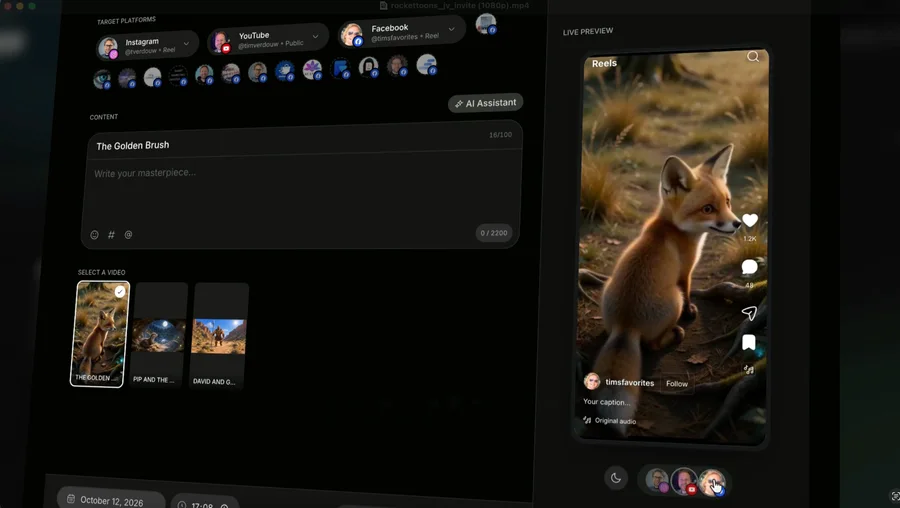
RocketToons for Shorts & Reels
Plan RocketToons vertical cartoons for Shorts and Reels with readable action, purposeful openings, caption space and a checked final crop.
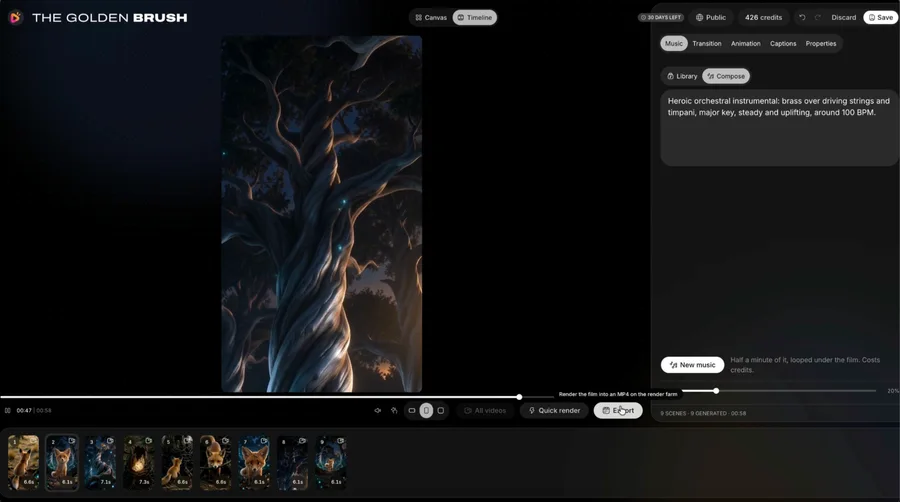
RocketToons Music & Sound
Use RocketToons music and finishing controls to support story beats, protect dialogue clarity and make a more intentional animated soundtrack.
RocketToons Commercial Use
Scope a RocketToons client project with clear objectives, source permissions, approval stages, revision boundaries and deliverables.