
Open with an event
Show a situation the audience can understand quickly: a character faces an obstacle, discovers something or makes an unexpected choice. A long logo introduction often delays the very reason someone might want to watch. Let the first image establish a question rather than demanding attention with an unsupported claim.
The supplied vertical samples are useful references for scale and composition. Observe how much of the screen a face, a horse or a small figure occupies. They are creative examples, not evidence of a particular retention rate or a tested distribution strategy.
Frame the important action
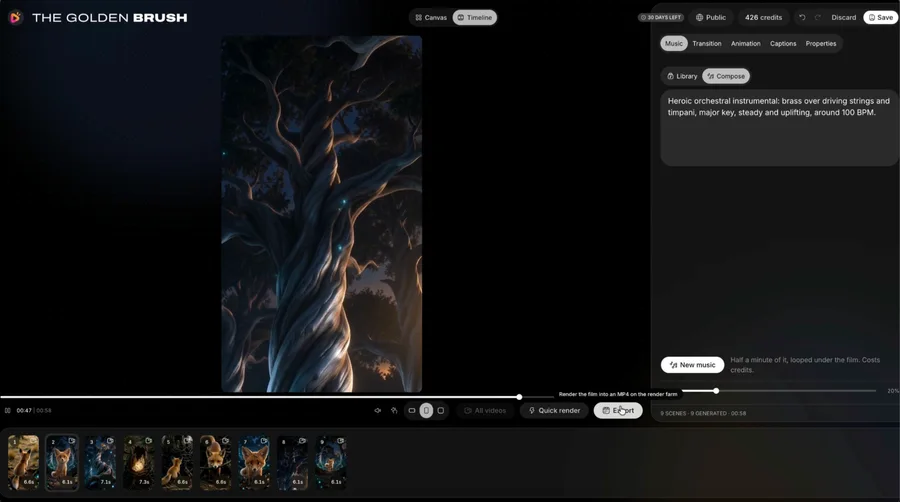
Choose the intended aspect ratio before directing the scene. In a vertical composition, relationships often need to stack or move through depth rather than stretch across a wide room. Keep the action that changes the story large enough to recognise on a small display.
Check edges carefully. A hand holding the key object can be more important than the character’s entire body. Do not crop it away simply to fill the frame. When repurposing an existing scene, decide whether a new composition is more honest than an aggressive crop.
Leave room for reading
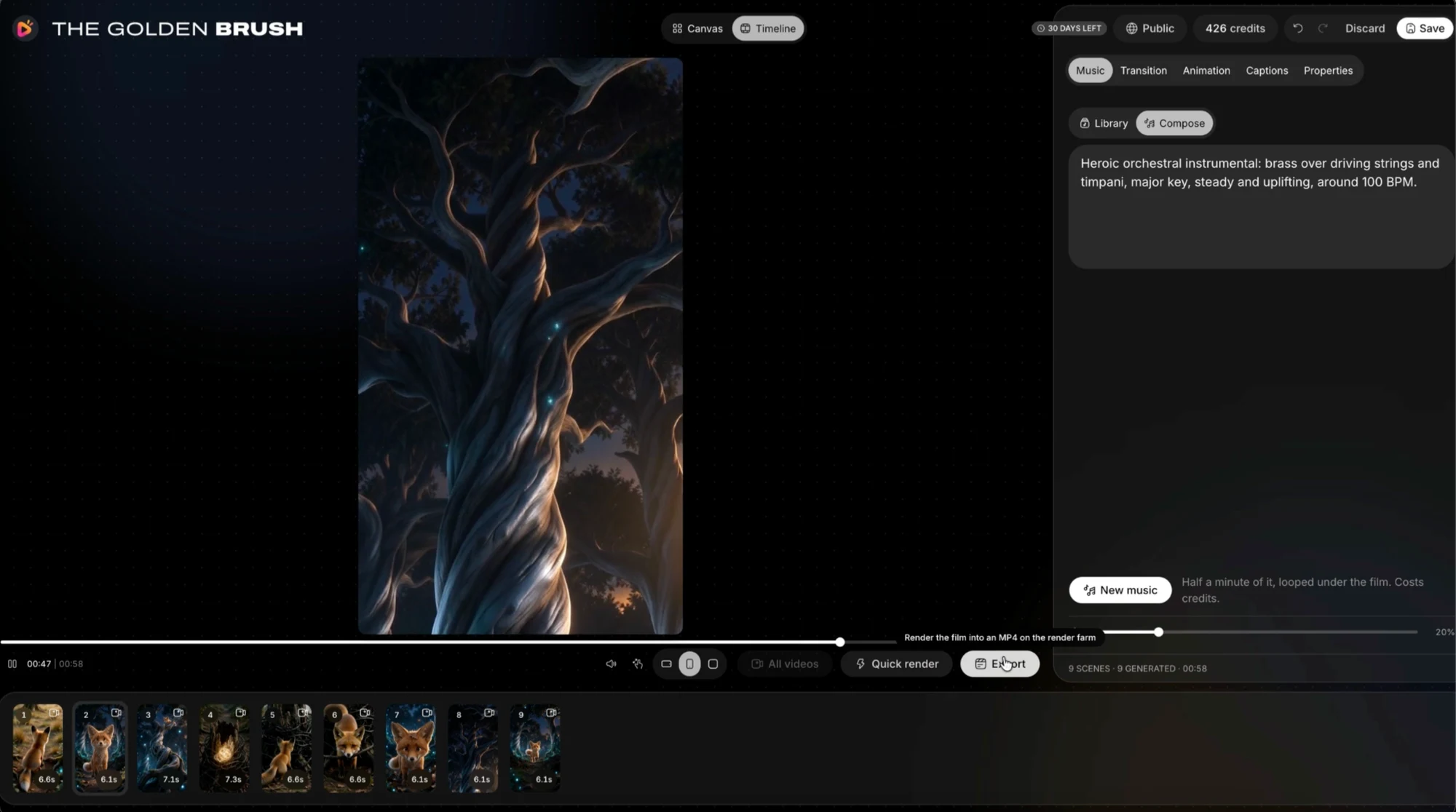
Captions compete with the picture for attention. Keep the message concise and place it where it does not obscure expressions or essential movement. Review the actual export with the destination’s interface in mind instead of relying only on the editor preview.
Use a readable text size and sensible timing. Viewers need enough time to read while following the action. A word-by-word treatment may suit one scene and distract in another. Confirm the caption tools included in your selected package, then judge the result rather than the feature label.
Design a real ending
Resolve the scene’s question and leave a clean final beat. A repeatable loop can be a creative choice, but it should not make the event confusing. If the video points to a longer story or another resource, make that next step relevant to what the viewer has just watched.
Do not build the buying case around guaranteed platform growth. Reach depends on audience response, distribution and the work itself. The useful product benefit is the ability to create and adapt material, not a promise that a generated cartoon will automatically find viewers.
Publish deliberately
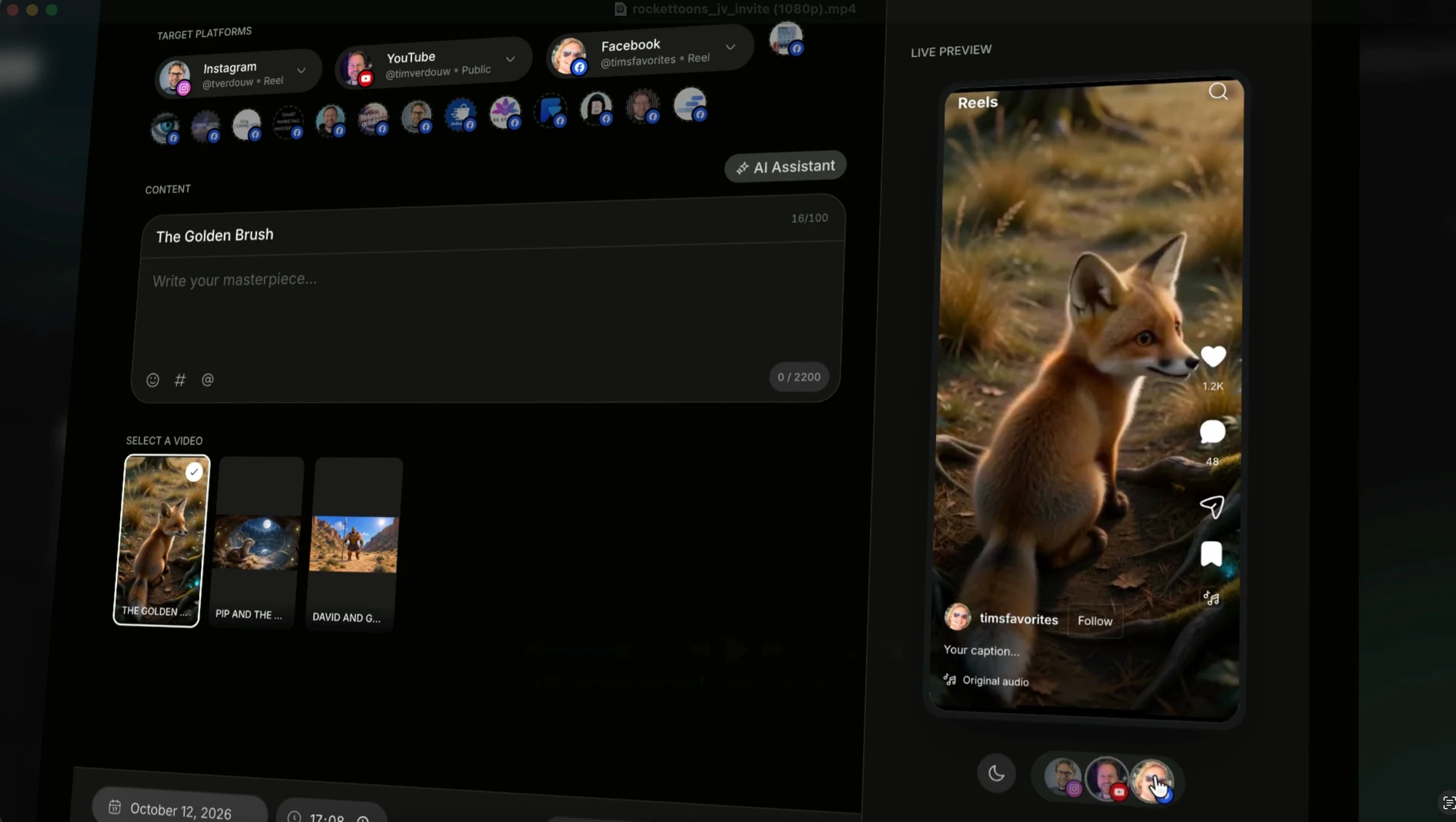
The supplied publishing screen shows platform selection and a live vertical preview. The official specifications distinguish entry social connections from expanded calendar and multichannel features in Elite. Check the selected plan before planning a large publishing operation around the demonstration.
Review title, caption, crop, audio, rights and destination before sending. Connected accounts are not an excuse to publish an unchecked draft. Keep a local master and an export named for its format so the wrong version does not become the final upload.
- A first image with a clear story event
- Action readable within a vertical frame
- Captions clear of essential information
- A deliberate ending and useful next step
- Correct destination and reviewed export
Your questions
Does RocketToons support vertical video?
The official overview describes 9:16 exports alongside widescreen and square formats. Verify the selected account’s current output tools.
Are scheduling and basic posting the same?
No. The official description places broader calendar and multichannel features under Elite. Match the workflow to the actual package.
Make the next decision
Design the story for the frame. Vertical output is a capability; a readable vertical film is a directing decision.
RocketToons Story Writing Guide
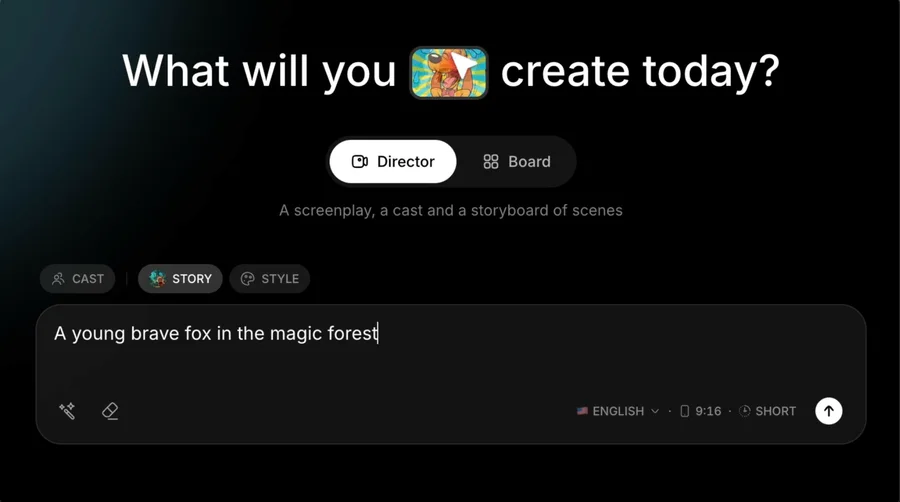
Turn an idea into a coherent RocketToons script using character goals, visible actions, a meaningful turn and a concise ending.
RocketToons Shot Planning Guide
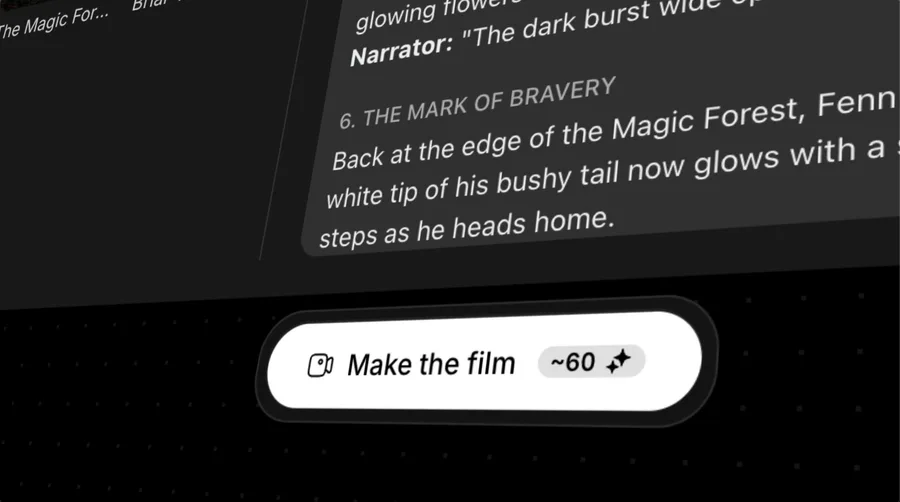
Plan RocketToons shots with clear framing, readable action, consistent screen direction and useful transitions before generating animation.
RocketToons Export Guide
Review your RocketToons video before delivery: frame, captions, dialogue, transitions, file playback, naming and local backup.